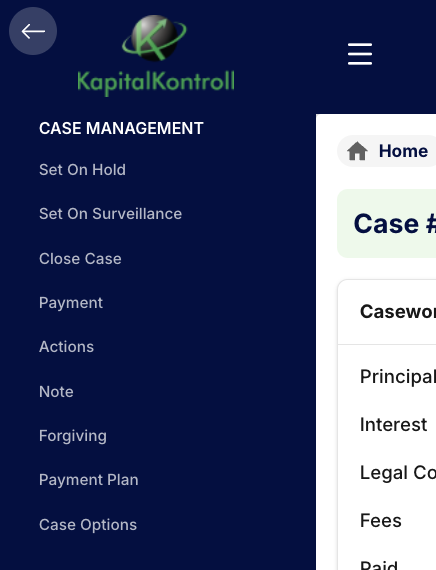
The left hand menu is available by clicking the “hamburger” to show/hide the menu. Most of the actions in the left hand menu is available on the case card directly as described in the case overview page. It makes no differenece if you use the buttons directly on the card or the left hand menu, they do the same. Case Options only exists in the left hand menu and has some advanced options to adjust your case.